Big Walk Multiplayer Explained: Hosting, Join Codes & Cross-Play
How Big Walk multiplayer works: 2–12 player co-op, host-managed saves, Join Codes, cross-play between PC, Mac, PS5 and Switch 2.
How many players does Big Walk support?
Big Walk is built for groups of 2 to 12 players. There is no solo mode — the island’s puzzles assume at least one partner — and there is no public matchmaking. You always walk with people you deliberately invite, which is why the game’s first real decision happens before the hike even starts: who hosts.
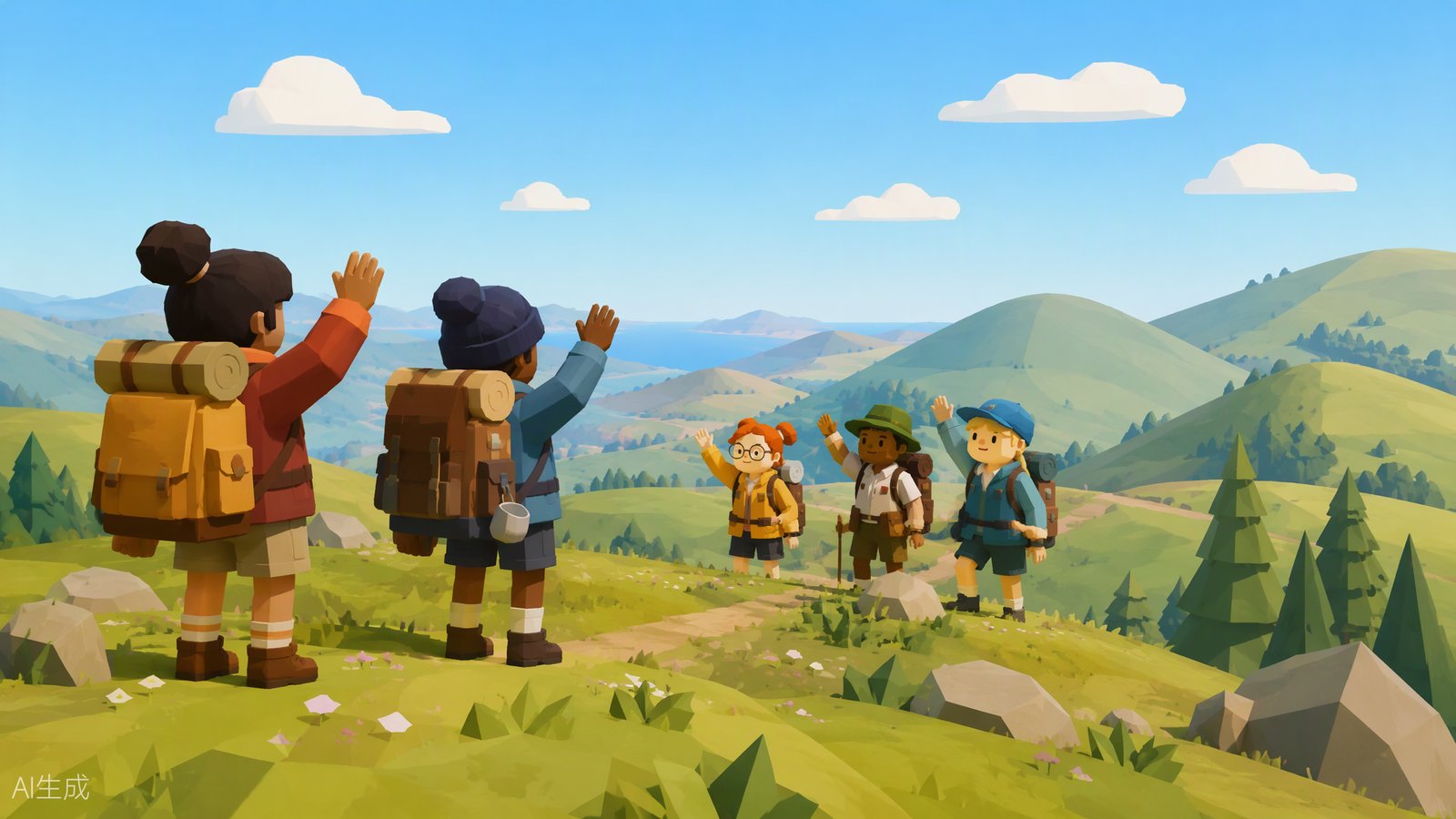
How does hosting work?
The host is the keeper of the save game. The official FAQ spells out what that means in practice:
- The host’s progress is saved automatically — nobody else needs to manage saves.
- The host starts the session first; only then can others connect.
- When the host stops the session, all other players are disconnected. To continue later, the same host must host again.
Treat the host as your group’s archivist: pick the most reliable player, and agree on a schedule before anyone builds five hours of progress.
How do players join a session?
Two doors in, per the official FAQ:
- Platform friends list. If you’re friends on Steam, PlayStation, or your console platform, the host’s active game appears in a menu of friend sessions automatically.
- Join Code. A short, unique code generated every time the host starts a session, shared however you like. Note that the Mac App Store version does not support Game Center, so Mac App Store players must use a Join Code.
The host can also change the session password mid-game from the in-game menu under Session Details.
Is Big Walk cross-platform?
Yes. PC (Steam and Mac) and consoles play together — a Steam player can join a PS5-hosted session and vice versa. The console requirements are the usual ones: PS5 players need PlayStation Plus, and Switch 2 players need Nintendo Switch Online. Version numbers only need to agree on the first two digits (for example 1.4.x), so a 1.4.7 player can still join a 1.4.8 host.
What does the world-size choice mean?
When the host starts a run, they pick a world configuration of 2, 3, or 4+ towers. This sets the puzzle scale of the island, not a player cap — it’s about how much island your group wants to chew through, not how many of you there are.
What happens to lost items?
If something important goes missing, check the Lost & Found at the gym — it recovers lost items for your group. For getting voice coordination working across all those platforms, see the voice chat guide; for everything about starting your first walk, the beginner’s guide covers the basics, and the island map overview shows where you’ll be hiking.
Related Articles
guides
Big Walk Beginner's Guide: Your First Session Explained
New to Big Walk? Learn how sessions, join codes, the island map, and tools work before your first two-player adventure.
guides
Big Walk Puzzle Solutions: Every Puzzle Family Explained
A spoiler-aware guide to Big Walk's puzzle families — symbol copying, remote buttons, light signals, and drawing puzzles — without robbing you of the solve.
guides
Big Walk Voice Chat: Proximity Audio Rules Explained
How Big Walk's proximity voice chat works — distance falloff, corridor echo, radio static — and why text chat follows the same physical rules.
Was this helpful?
Thanks for the feedback!