Big Walk Beginner's Guide: Your First Session Explained
New to Big Walk? Learn how sessions, join codes, the island map, and tools work before your first two-player adventure.
What Is Big Walk, Exactly?
Big Walk is a cooperative first-person adventure built around one idea: a big island, a group of friends, and no quest markers. There is no matchmaking — you play with people you invite via a join code — and only the host’s world progresses. As of patch 1.4.8 (the August 2026 voice-chat fix), cross-play works across PC, Mac, PS5, and Switch 2. There is no Xbox version.
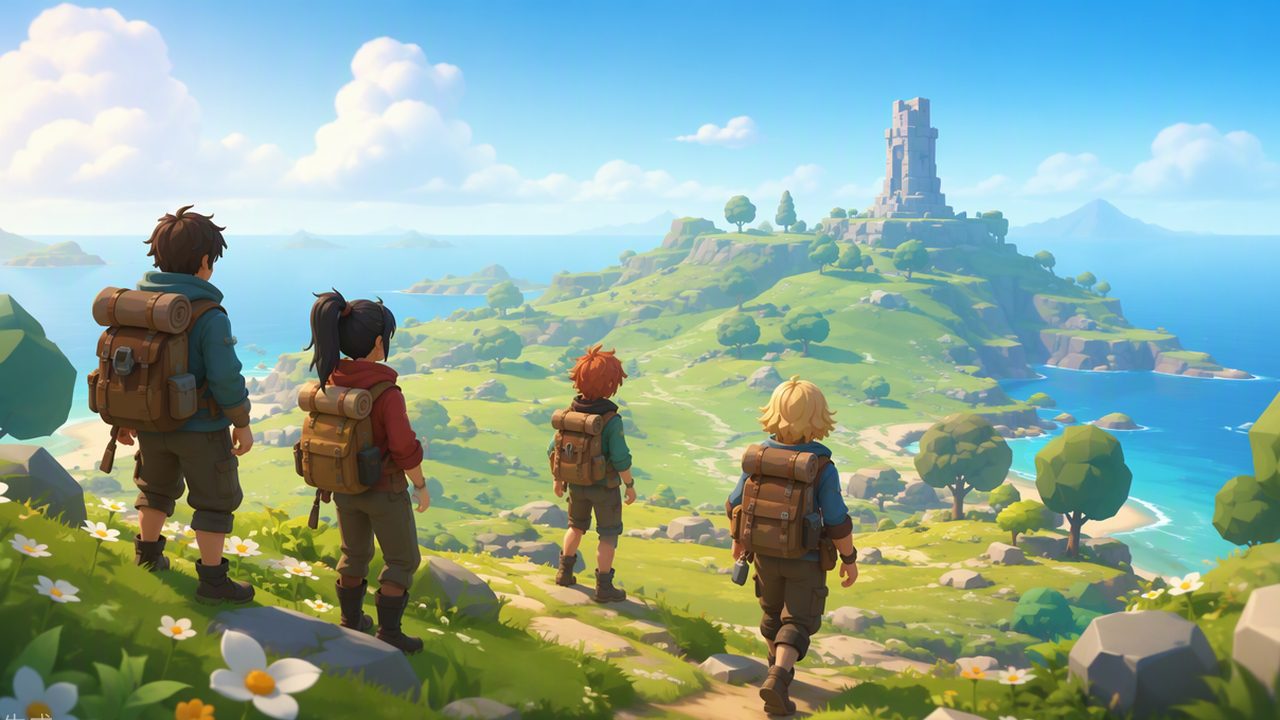
How a Session Works
One player acts as the host. The host chooses how many towers the world spawns with (a 2-tower, 3-tower, or 4+ tower layout) and every save lives in the host’s game. If you join a friend’s island, your progress there only exists while the host keeps that world. Key things to know:
- Join codes are generated in the Session Details menu — the host shares it, friends enter it, done.
- Group size ranges from 2 up to 12 players, but puzzles are designed around splitting into smaller teams.
- Progress belongs to the host. If the host loses the save, the island is gone — treat the host machine carefully.
For what the island itself contains, see the Big Walk island map overview.
Your First Thirty Minutes
Expect to wander. That is the point. A typical opening session looks like this:
- Spawn in, find your friends, and test voice chat immediately (proximity audio is the core mechanic — check how voice chat works if anyone sounds too quiet).
- Find the paper map. Someone should carry it and act as navigator.
- Walk to the nearest tower. Towers are your progress checkpoints — everything in the main path revolves around them.
- Pick up any tools and toys you stumble on — the radio, flashlight, and whiteboard all solve real problems.
Why There’s No HUD
Big Walk deliberately hides everything a normal game would show you. No compass, no waypoint, no objective list. The designers want you to talk: “I see a bridge north of the cable car” is more valuable than any marker. If your group goes silent, the game gets hard fast — keep narrating what you see.
Common Beginner Mistakes
- Wandering off alone without saying so. Tell the group before you scout; the map is huge and people get lost.
- Ignoring quiet teammates. If someone is far away, their voice literally fades — that is proximity audio, not a bug.
- Skipping the paper map. Digital maps don’t exist here; the hand-drawn one plus the in-game Map Room are all you get.
Once you’ve got the basics, the natural next stop is the puzzle solutions walkthrough — it lists every puzzle family without spoiling individual answers.
Quick Reference
| Question | Answer |
|---|---|
| Price | $19.99 |
| Players | 2–12 (no matchmaking) |
| Platforms | PC, Mac, PS5, Switch 2 — full cross-play |
| Save | Host only |
| Achievements | 12 |
Related Articles
guides
Big Walk Multiplayer Explained: Hosting, Join Codes & Cross-Play
How Big Walk multiplayer works: 2–12 player co-op, host-managed saves, Join Codes, cross-play between PC, Mac, PS5 and Switch 2.
guides
Big Walk Puzzle Solutions: Every Puzzle Family Explained
A spoiler-aware guide to Big Walk's puzzle families — symbol copying, remote buttons, light signals, and drawing puzzles — without robbing you of the solve.
guides
Big Walk Voice Chat: Proximity Audio Rules Explained
How Big Walk's proximity voice chat works — distance falloff, corridor echo, radio static — and why text chat follows the same physical rules.
Was this helpful?
Thanks for the feedback!